
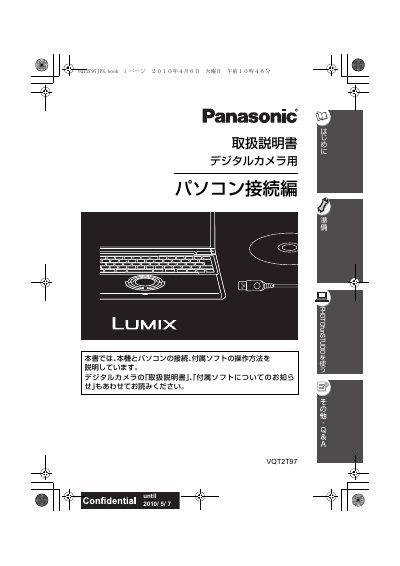
Panasonic VQT2T97 Digital Camera PC Connection Instruction Manual


Panasonic VQT2T97 Digital Camera PC Connection Instruction Manual - cover page
Brand
Panasonic
Category
Digital cameras
Document type
User Manual
Language
Japanese
Pages
32
File format
PDF
Published
05 October, 2011
Updated
29 September, 2023
MD5 checksum
7D637DC12A491229755F784DDB60D065

About this manual

This Panasonic VQT2T97 manual is the PC connection edition of the instruction manual for a digital camera. It explains how to connect the camera to a personal computer and use the included software.

Topics include installing PHOTOfunSTUDIO, importing images to a PC, viewing, printing, and emailing images, viewing PC images on the camera, and other functions. It also includes Q&A, troubleshooting, and operating environment information. This manual is written in Japanese.

What's inside

  • Read First
  • Terms to Know
  • Installing Software
  • Installing PHOTOfunSTUDIO
  • Connecting to a Computer
  • Importing Images
  • Viewing Images
  • Printing Images
  • Sending Images by Email
  • Q&A and Troubleshooting

Specifications

Memory card typesSDXC, SDHC, SD (including internal memory)
Supported Windows OSWindows XP

Frequently asked questions

Can images be imported to a computer using a USB connection?

Yes. Connecting the digital camera via USB allows images to be imported to a computer.

What can you do with PHOTOfunSTUDIO?

You can import images to a computer, print them, and send them by email.

What should you do before inserting the CD-ROM?

Close all running application software.

What should you do after PHOTOfunSTUDIO installation is complete?

Restart the computer.

Download PDF

More Panasonic Manuals


View all Panasonic manuals →