
This document is the user manual of Philips iron GC2652, GC2650, GC2640, GC2620, GC2560, GC2530, GC2528, GC2522, GC2520, GC2510
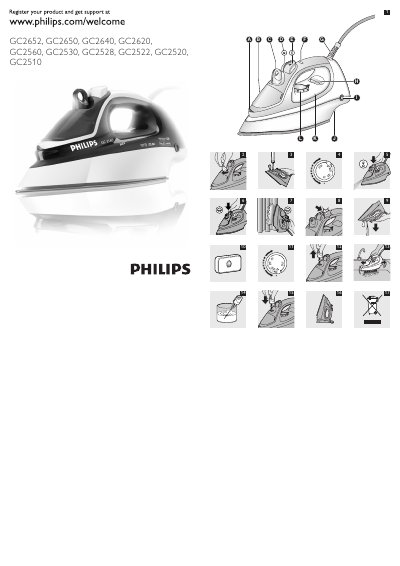
This manual provides instructions for safely using and maintaining Philips steam irons. It covers filling the water tank, setting temperature, using steam and spray functions, and cleaning the soleplate. Safety warnings include never immersing the iron in water and unplugging it when not in use. The manual also explains features like Calc-Clean and drip-stop functions for specific models.
Troubleshooting is included for common issues such as cold soleplates or no steam, with solutions like checking the water tank or adjusting the temperature setting.
Switch off the appliance and unplug it. Set the steam control to position O. Open the cap, tilt the iron, and fill to the MAX level under the tap. Close the cap.
Press and release the shot-of-steam button. It only works at temperature settings between 2 and MAX. Use it vertically for hanging clothes or curtains.