
This manual is for reference only. The information in the manual may change without notice. Samsung Electronics is not responsible for any changes made to this manual, whether directly or indirectly, caused by or related to the use of this manual.
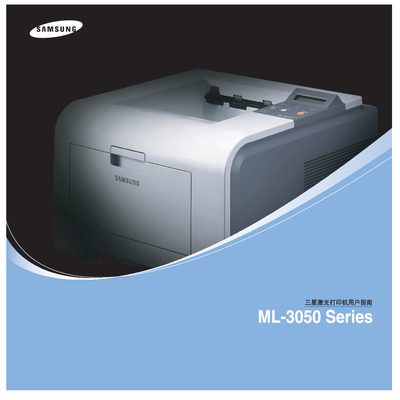
The Samsung ML-3050 series includes the ML-3050, ML-3051N and ML-3051ND laser printers. The guide provides detailed instructions for installing the printer, configuring drivers, and using the device in Windows, macOS and Linux environments.
Key sections cover basic printing options, local network sharing, the Smart Panel utility, duplex printing on Mac, and advanced settings such as print resolution, paper handling and troubleshooting procedures. This manual is written in Chinese.
| Print resolution | 1200 x 1200 dpi |
|---|---|
| Memory (ML-3050) | 16 MB |
| Network interface | 10/100 Base TX Ethernet |
| Parallel interface standard | IEEE 1284 |
The printers support a resolution of 1200 × 1200 dpi.