
This is a brief manual for the NOKIA N97 mini phone, which introduces the basic functions and operating methods of the phone.
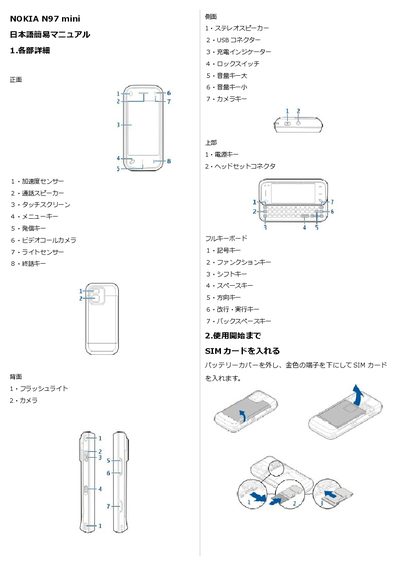
This manual provides step‑by‑step instructions for getting started with the Nokia N97 mini, including inserting the SIM card, installing the battery, and charging the device. It explains how to power the phone on and off, use the lock switch, and switch between silent and normal profiles.
The guide also details everyday functions such as making and receiving calls, adjusting call volume, managing contacts, sending and reading SMS messages, using the camera to take and view photos, and customizing settings like date/time, ringtone, wallpaper, and network selection. This manual is written in Japanese.
Press and hold the power key to turn the phone on; press and hold the same key to turn it off.
Press and hold the camera key to launch the camera, then press the camera key to capture a photo; half‑press for autofocus.
Go to Menu → Settings → Profiles → General → personalise → Ringtone and select a new tone.