
This manual introduces the safety precautions, cleaning and maintenance of professional liquid crystal monitor SMT-1722/SMT-1922. Please read this manual carefully and strictly abide by the safety precautions in this manual when using.
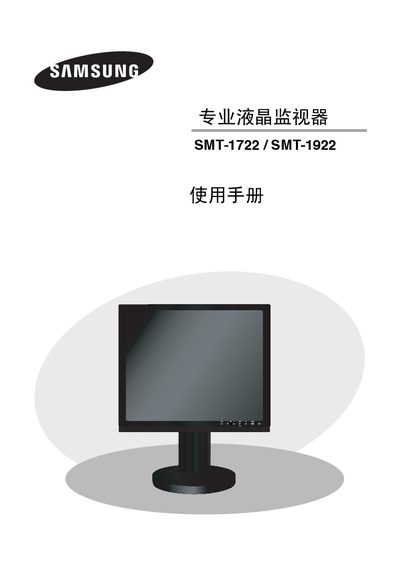
This manual provides safety warnings, unpacking instructions, and detailed operating procedures for the Samsung SMT-1722 and SMT-1922 professional LCD monitors. It covers power handling, grounding, ventilation, and proper installation to prevent electric shock, fire, or damage.
The guide explains how to use the front panel, remote control, and OSD menu to adjust image settings, backlight, color temperature, and other parameters. It also details the video and audio input connections, external device compatibility, and specifications of the display. This manual is written in Chinese.
| Panel Size | 17" / 19" |
|---|---|
| Resolution | 1280 x 1024 |
| Brightness | 300 cd/m² |
| Contrast Ratio | 1000:1 |
| Response Time | 5 ms |
| Viewing Angle | 80° horizontal / 80° vertical |
| Power Supply Voltage | 220‑240 V |
| Power Consumption | 42 W |
Press the POWER button on the remote control or front panel; the LED indicator will turn blue when on and turn off when power is off.
No. The manual warns not to expose the monitor to rain, moisture, or place it near bathtubs, sinks, or wet basements.