
The LG KP175 User Manual provides step‑by‑step instructions for using, configuring, and maintaining the KP175 mobile phone.
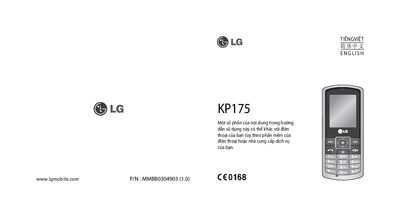
This manual explains the hardware layout, keypad functions, menu navigation, and basic operations of the LG KP175 mobile phone. It covers inserting the SIM card, charging the battery, using the memory card slot, making and receiving calls, sending SMS/MMS, and managing contacts and applications.
Safety guidelines, battery care, and regulatory information are also included. The document details temperature limits, battery handling, and precautions for use near medical equipment, vehicles, and explosive atmospheres, ensuring reliable and safe operation of the device.
| System | GSM 900 / DCS 1800 |
|---|---|
| Maximum Ambient Temperature | +55 °C (discharging), +45 °C (charging) |
| Minimum Ambient Temperature | -10 °C |
| Maximum Supported Memory Card | Not support memory cards up to 2 GB |
Open the battery cover, remove the battery, insert the SIM card, close the cover, and then reconnect the charger.
From the menu select Settings → Memory → Format, and confirm; note that formatting will erase all data on the card.
Press the green "Answer" key (or the designated answer key) when the phone rings.