
The LG AN-MR300 Owner’s Manual provides instructions for using the remote, battery replacement, RF dongle setup, and motion‑sensing features.
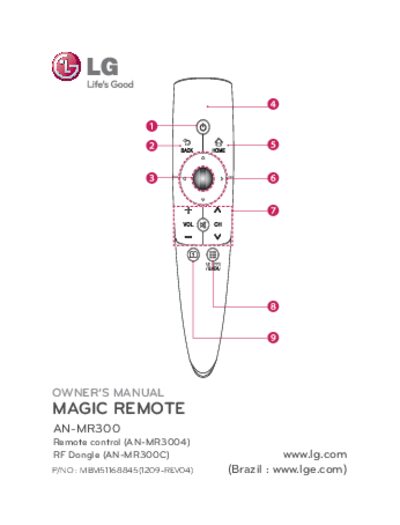
This manual explains the functions of the AN-MR300 remote control, including power, navigation, volume, channel selection, and the motion‑sensing pointer. It also covers how to use the RF dongle and connect the transmitter to compatible LG TVs.
Battery installation steps, safety precautions, and detailed RF specifications such as output power, frequency range, data rate, and maximum communication distance are included. The guide shows how to replace AA batteries, activate the pointer, and set up the dongle for reliable wireless operation. This manual is written in Chinese.
| Output power (max) | 10 dBm or less |
|---|---|
| Maximum communication distance | about 10 meters (30 ft) |
| Frequency range | 2.400 GHz - 2.4835 GHz |
| Data rate (max) | 3 Mbps |
Open the battery cover, match the + and – markings, insert a 1.5 V AA alkaline battery, and close the cover.
The remote works up to about 10 meters (30 feet) in line‑of‑sight conditions.
Shake the remote left or right to make the pointer appear; pressing a navigation button hides it and the remote works as a normal controller.