
The Rotel CD11 stereo CD player owner's manual provides safety instructions, setup, operation, remote control usage, and specifications.
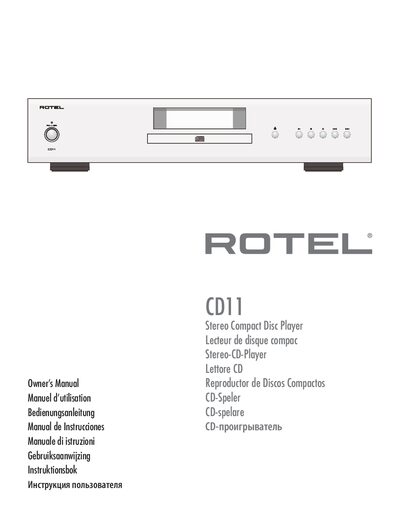
This manual covers important safety information for the Rotel CD11 Class 1 laser CD player, including warnings about moisture, electrical shock, and proper handling. It also details power requirements, connection diagrams, and remote‑control functions.
The guide explains how to install the unit, use the front‑panel controls and the RR‑D99 remote, operate playback functions, and perform basic troubleshooting. Technical specifications such as the 24‑bit DAC, analog and digital outputs, and trigger input are listed for reference.
| Laser Classification | Class 1 |
|---|---|
| Power Input Voltage | 120 V/60 Hz (USA) or 230 V/50 Hz (EU) |
| Analog Output | Standard RCA jacks |
| Digital Output | 75 Ω coaxial digital output |
| Digital‑to‑Analogue Converter | 24‑bit 192 kHz stereo DAC (Texas Instruments) |
The CD11 is a Class 1 laser product, meaning it is safe under normal operation.
No. The manual explicitly states not to use extension cords with the unit.
The unit can be activated by applying a 12 V trigger signal to the trigger input.
The CD11 comes with the RR‑D99 infrared remote control.