
This document introduces the installation and usage methods of the Fanzheng scanner U300/U400, as well as the features of high resolution, high quality, and high scanning speed.
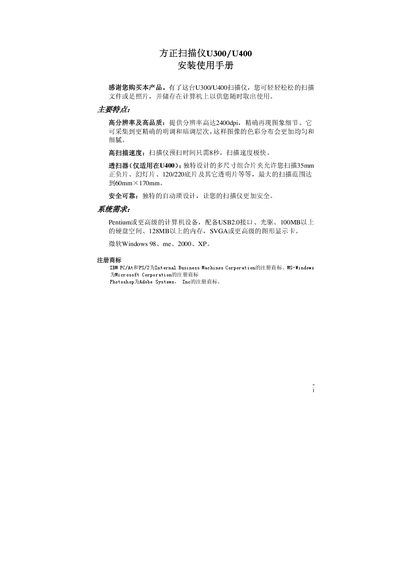
The Founder U300/U400 scanner manual provides step‑by‑step instructions for installing the device, connecting it to a computer, and configuring the driver software. It also includes safety precautions, hardware overview, and detailed usage tips for scanning documents, photos, and film.
Additional sections cover the Founder Scan software features, button functions, troubleshooting, and a full specification appendix. The guide is intended for both end‑users and service technicians who need to set up and maintain the scanner. This manual is written in Chinese.
| Physical dimensions (U300) | 456 x 272 x 66 mm |
|---|---|
| Weight (U300) | 2.37 kg |
| Operating temperature | 10 °C to 40 °C |
| Optical resolution | 2400 dpi |
| Maximum interpolated resolution | 24000 dpi |
| Interface | USB 2.0 High Speed |
| Lamp type | Cold cathode lamp |
| Scan modes – color | Input 48‑bit, Output 24/48‑bit |
A Pentium or higher PC with a USB 2.0 port, at least 100 MB of hard‑disk space, 128 MB of RAM, an SVGA or better graphics card, and Windows 98/Me/2000/XP.
The scanner provides an optical resolution of 2400 dpi.
It can scan 35 mm film, 35 mm slides, or 120/220 film up to a maximum size of 6 × 9 cm.
The scanner connects via a USB 2.0 High Speed interface and is TWAIN compliant.