
CT-620 Car Multimedia Navigation User Manual
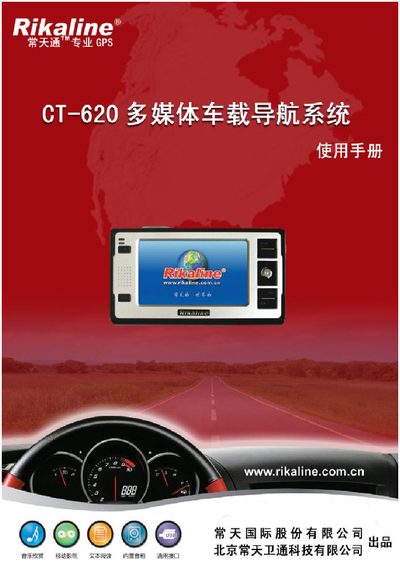
The Rikaline CT-620 is a multimedia car navigation device with a 4-inch TFT display (480*272), a built-in SiRF Star III GPS receiver, and support for SD card navigation software. It plays MP3 and MP4 files, reads TXT files, browses images, and provides CVBS video output.
The manual explains power on/off, touchscreen calibration, navigation software operation, media playback, system settings, indicator lights, button functions, precautions, and simple troubleshooting. This manual is written in Chinese.
| Product dimensions | 146mm(长)*74mm(宽)*22mm(厚) |
|---|---|
| Product weight | 230g |
| Operating temperature | -10℃ to +60℃ |
| Main chip | SAMSUNG S3C2440A-40 |
| Operating system | WINCE 4.2 NET |
| Display resolution | 480*272 |
| Average power consumption | 1.5W |
| Battery capacity | 1200mAH |
| GPS chipset | SiRF Star III |
| Positioning accuracy | 10m, 2D RMS |
Press and hold the POWER button for more than 3 seconds to switch the device on or off.
Follow the on-screen prompts to press the center cursor position until the calibration cursor moves to each corner, then click OK to save.
Normal use provides more than 4 hours, and standby provides more than 200 hours.
Charge through the external DC12V input, which can connect directly to the car cigarette lighter.