
ASUS Eee Top ET16 User Manual


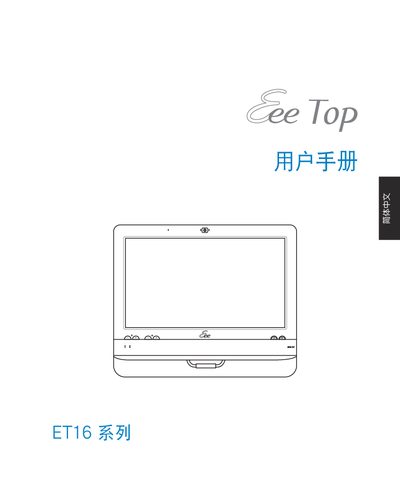
ASUS Eee Top ET16 User Manual - cover page
Brand
Eee
Category
Other Computer Accessories
Document type
User Manual
Language
Chinese
Pages
34
File format
PDF
File size
5.1 MB
Published
21 September, 2011
Updated
29 September, 2023
MD5 checksum
D0A937C8811CB214BDCD9E3F86779A68

About this manual

This user manual covers the ASUS Eee Top ET16 series all-in-one desktop. It provides safety information, usage precautions, symbol conventions, and hardware specifications for the ET16 XP version.

The document also explains how to connect peripherals, set up audio and SRS Premium Sound, and recover the system using the recovery optical disc or hard disk. This manual is written in Chinese.

What's inside

  • Safety Precautions
  • Usage Precautions
  • Symbol Conventions
  • Hardware Specifications
  • Speaker Output Setup
  • Headphone Output Setup
  • SRS Premium Sound
  • System Recovery Using Optical Disc
  • System Recovery Using Hard Disk

Specifications

ProcessorIntel Atom N270
MemoryDDRII 1GB
Hard Drive2.5 inch 160GB SATA
Display15.6 inch 16:9 LCD, 1366 x 768
Operating SystemGenuine Windows XP Home with Express Gate
Power Adapter19 V DC, 4.74 A, 65 W

Frequently asked questions

What operating system does the ASUS Eee Top ET16 use?

It uses Genuine Windows XP Home with Express Gate.

What is the processor of the Eee Top ET16?

It uses an Intel Atom N270 processor.

What is the maximum display resolution?

The maximum resolution is 1366 x 768.

Download PDF (5.1 MB)

More Eee Manuals


View all Eee manuals →