
This manual introduces the use of the Eee PC 1000 series, Eee PC 904 series and Eee PC 901 series.
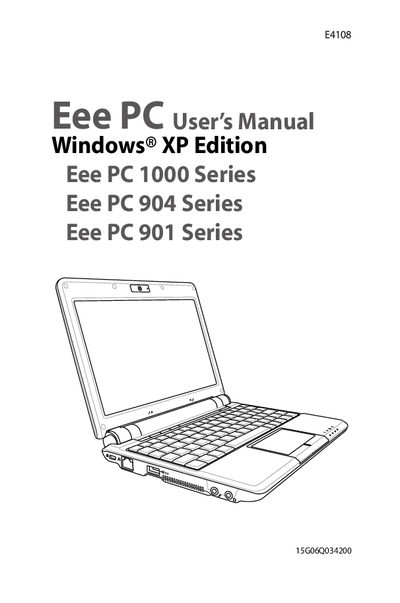
This manual introduces the ASUS Eee PC (model E4108) and describes its components, including the top, bottom, right, left, and rear sides. It covers safety precautions, battery handling, and cleaning recommendations to ensure reliable operation.
The guide walks users through power options, touchpad and keyboard usage, network configuration, BIOS updates, and the Support DVD system recovery process. Appendices contain legal statements, warranty limits, and contact information for ASUS support.
| Operating system | Windows® XP Edition |
|---|
Use a clean cellulose sponge or chamois cloth dampened with a non‑abrasive detergent solution, avoid strong solvents, and keep the device away from liquids and dust.