
This manual provides information regarding the various components in the Eee PC and how to use them.
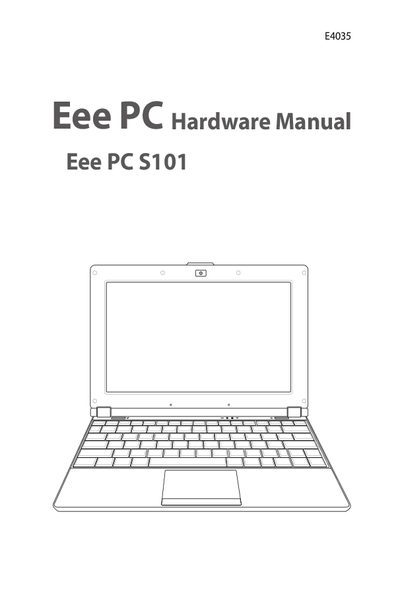
This manual introduces the ASUS Eee PC S101E4035, describing its external parts, safety precautions, and transportation guidelines. It explains how to prepare the device, charge the battery, and operate it safely in various environments, including airplane travel.
Later sections cover power options, battery handling, emergency reset procedures, and basic usage of the touchpad, keyboard, and audio system. Appendices contain trademark statements, licensing information, and warranty details.
| Battery Initial Charge Time | 8 hours or more |
|---|---|
| Input Rating | Refer to rating label on bottom of device |
Charge the battery for at least 8 hours before the first use to ensure full capacity.
No, the battery pack cannot be disassembled and must be purchased as a single unit.
Disconnect AC power and remove the battery pack before cleaning the device.