
Instruction manual for Founderscan scanner series products
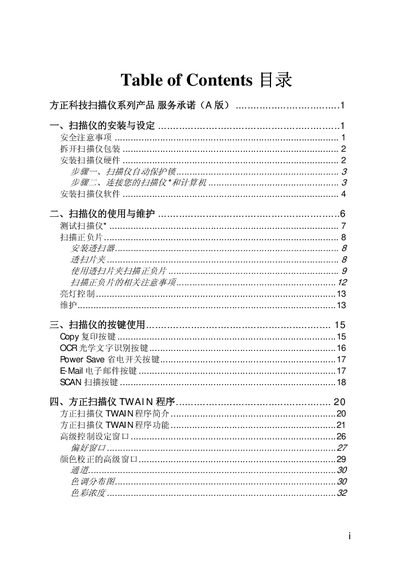
This manual covers safety precautions, hardware installation, and software configuration for Founder scanners. It explains how to unpack the unit, connect the hardware, install drivers, and use the built‑in functions such as copy, OCR, power‑save, e‑mail, and scanning.
The document also describes the Founderscan TWAIN program, color‑correction settings, and detailed specifications of the scanner models (U200, U430, U1S0). Warranty information and service procedures are included in the later sections. This manual is written in Chinese.
| Physical dimensions | 441 x 266 x 80 mm |
|---|---|
| Weight | 2.7 Kg |
| Operating temperature | 10 °C to 40 °C |
| Reflective scan area | 216 mm x 297 mm |
| Transparency scan area (max) | 13 x 18 cm |
| Optical resolution | 1200 x 2400 dpi |
| Interpolated resolution | 24000 dpi |
| Color depth | Input 48‑bit, Output 24/48‑bit |
| Scan method | Single‑Pass |
| Lamp type | Cold Cathode Lamp |
| Power adapter output | DC 15 V, 1 A |
| Power consumption (max) | 13 watts |
| Power consumption (idle) | 2.1 watts |