
This manual is designed to help users operate the OPTIMA 100 camera. The manual provides information about the camera's appearance, buttons, features, and how to use it.
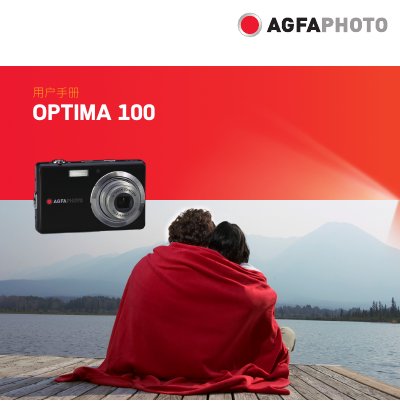
This user manual is for the AgfaPhoto Optima 100 digital camera. It provides step-by-step operating instructions, including inserting batteries, installing SD/SDHC memory cards, charging the battery, and turning the power on and off.
The guide also covers camera controls, LCD screen use, photo and video recording, zoom, flash, focus modes, function menus, playback, setup menus, connections to a TV, computer, or printer, troubleshooting, and specifications. This manual is written in Chinese.
| Resolution | 10 megapixels |
|---|---|
| Optical zoom | 3x |
| Digital zoom | 5x |
| Image sensor | 1/2.3 inch CCD |
| LCD screen | 2.7 inch color |
| Internal memory | 32 MB flash |
| Memory card support | SD up to 4GB, SDHC up to 32GB |
It uses two AA batteries.
SD cards up to 4GB and SDHC cards up to 32GB are supported.
The camera has A/V video output for viewing photos and videos on a television.
The camera has 32 MB of internal flash memory.