
This is a user manual that introduces the use of AgfaPhoto OPTIMA 103 camera.
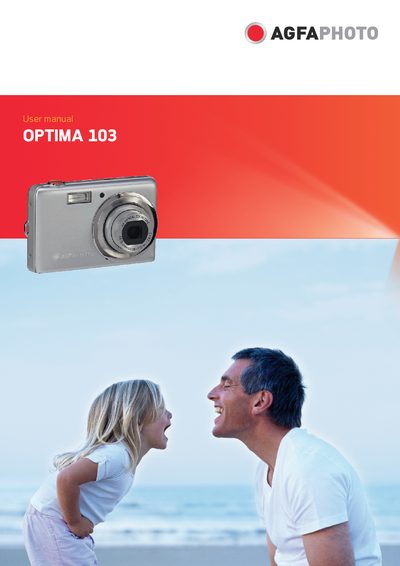
This manual guides users through safe handling, system requirements, and basic operation of the AgfaPhoto OPTIMA 103 digital camera. It covers battery installation, memory‑card insertion, menu navigation, and how to capture images, videos, and audio recordings.
Additional sections describe advanced settings such as ISO, white balance, and flash control, as well as connections to TV, PC, and printers. The appendix contains file‑naming rules, troubleshooting tips, and a full specification sheet for the camera’s sensor, lens, storage, and power features.
| Sensor | SHARP 12M 1/2.3" |
|---|---|
| Lens focal length | 5.05 – 20.2 mm |
| Optical zoom | 4× optical, 5× digital |
| LCD monitor | 2.7" color LCD |
| Battery | Lithium‑ion |
| Dimensions | 91.57 mm × 57.77 mm × 17.13 mm |
| Weight | 100 g (without battery) |
| Storage | 32 MB internal, SD up to 4 GB, SDHC up to 32 GB |
Turn off the camera before installing or removing the battery and use only the provided battery and charger.
The camera supports SD cards up to 4 GB and SDHC cards up to 32 GB.
Use the Setting File Numbering option in the Setup menu to reset the file number.
The camera operates between 0 °C and 40 °C.