
Key facts
- Manuals
- 5
- Categories
- 1
- Languages
- DE · EN
- Last added
- 2012-03-23
Featured AGFA manuals
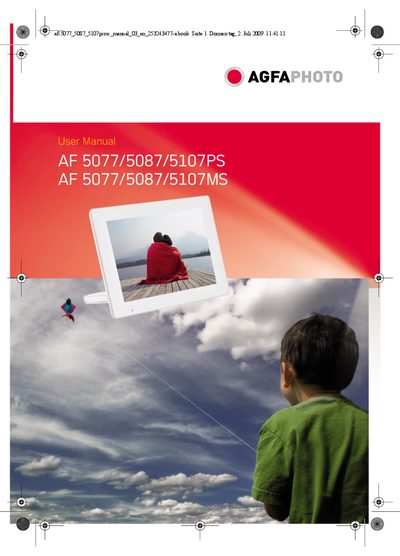
AGFA PHOTO AF 5077/5087/5107PS AF 5077/5087/5107MS user manual
The manual introduces the AgfaPhoto AF 5077/5087/5107 digital photo frame, describing its high‑quality TFT‑LCD screen, internal memory, SD‑card slot and USB interface. It explains how to install the device, connect it to a computer, and use the supplied remote control for navigating photos, music and videos.
Safety instructions cover proper placement, handling of the LCD, power‑supply precautions, and battery replacement for the remote. The guide also details first‑time setup, memory‑card insertion, playback functions, and troubleshooting steps such as what to do if the unit overheats. This manual is written in German.
Covers: Einleitung · Sicherheitshinweise und Empfehlungen · Geräteübersicht · Erste Inbetriebnahme · Bedienung · Wiedergabe
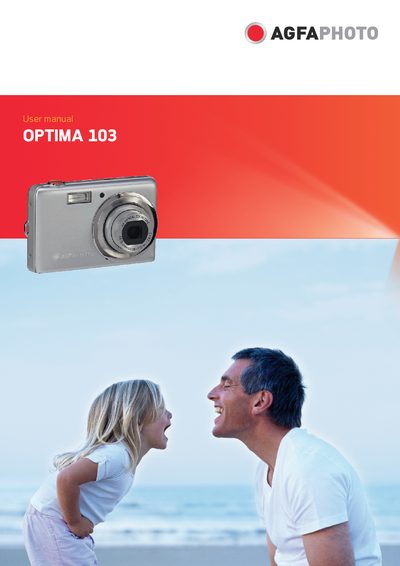
AgfaPhoto OPTIMA 103 User Manual
This manual guides users through safe handling, system requirements, and basic operation of the AgfaPhoto OPTIMA 103 digital camera. It covers battery installation, memory‑card insertion, menu navigation, and how to capture images, videos, and audio recordings.
Additional sections describe advanced settings such as ISO, white balance, and flash control, as well as connections to TV, PC, and printers. The appendix contains file‑naming rules, troubleshooting tips, and a full specification sheet for the camera’s sensor, lens, storage, and power features.
Covers: Preface · Safety and Handling Precautions · System Requirements · Main Features · Package Contents · Camera Views and Buttons
AgfaPhoto Optima 100 Camera User Manual
This manual introduces the AgfaPhoto Optima 100 digital camera, describing its main components such as the LCD display, battery, and supported memory cards. It guides users through basic setup, shooting functions, playback, and connecting the camera to a computer.
Additional sections cover technical specifications, warranty details, and contact information for service and support. The document also includes information on compatible SD/SDHC cards and software requirements for Windows and Macintosh systems.
Covers: Introduction · Camera Overview · Power and Battery · Memory Card · LCD Display · Shooting Modes
Latest AGFA manuals
AGFA ePhoto CL30 User Guide
ePhoto CL30 User's Guide
AGFA PHOTO AF 5077/5087/5107PS AF 5077/5087/5107MS user manual
User Manual 16 pages · 4.9 MB · DEUser manual for the AgfaPhoto AF 5077/5087/5107 digital photo frame, covering setup, operation, safety, and maintenance.
AgfaPhoto OPTIMA 103 User Manual
User Manual 64 pages · 5 MB · ENThe AgfaPhoto OPTIMA 103 user manual provides setup, operation, and maintenance instructions for the digital camera.
AGFA Drystar 5300 user manual
AgfaPhoto Optima 100 Camera User Manual
User Manual 98 pages · 8.3 MB · ENThe AgfaPhoto Optima 100 camera user manual provides operating instructions, specifications, and troubleshooting information.
Which document do I need?
User Manual
Day-to-day operation, settings and troubleshooting. Start here if the product is already set up.
Questions answered in AGFA manuals
How do I connect the digital photo frame to a computer?
Turn the frame off, connect the narrow end of the USB cable to the frame and the thick end to the computer, then power the frame on.
From: AGFA PHOTO AF 5077/5087/5107PS AF 5077/5087/5107MS user manual
How should I charge or replace the battery?
Turn off the camera before installing or removing the battery and use only the provided battery and charger.
What memory cards are compatible with the OPTIMA 103?
The camera supports SD cards up to 4 GB and SDHC cards up to 32 GB.
What type of memory cards does the Optima 100 support?
The Optima 100 supports SD and SDHC memory cards.