
IBM Tivoli Directory Integrator 7.0 Quick Start Guide

The IBM Tivoli Directory Integrator 7.0 Quick Start Guide will help you install IBM Tivoli Directory Integrator. You can perform a typical installation, or customize the installation as necessary.
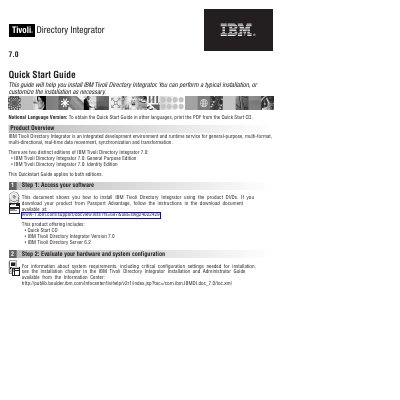

IBM Tivoli Directory Integrator 7.0 Quick Start Guide - cover page
Brand
IBM
Category
Other software
Document type
Quick Start Guide
Language
English
Pages
2
File format
PDF
File size
175 KB
Published
30 November, 2023
Updated
30 November, 2023
MD5 checksum
B76E8ACD9D5FC1DB38862AFE20B085F8

About this manual

The IBM Tivoli Directory Integrator 7.0 is an integrated development environment and runtime service designed for real-time data movement, synchronization, and transformation across multiple formats and directions.

This guide provides instructions for installing the software using product DVDs, detailing the process from accessing software to executing the installer via the Launchpad.

What's inside

  • Product Overview
  • Step 1: Access your software
  • Step 2: Evaluate your hardware and system configuration
  • Step 3: Review the base architecture
  • Step 4: Access the installer from IBM Tivoli Directory Integrator Launchpad
  • Step 5: Install IBM Tivoli Directory Integrator

Frequently asked questions

What are the different editions of IBM Tivoli Directory Integrator 7.0?

There are two editions: the General Purpose Edition and the Identity Edition.

What is included in a Typical installation?

A Typical installation includes the Server, Config Editor, JavaDocs, Administration and Monitoring Console, Action Manager, and examples.

Download PDF (175 KB)

More IBM Manuals


View all IBM manuals →