
IBM TRIRIGA and IBM TRIRIGA Application Platform Version 10.5.1 and 3.5.1 Quick Start Guide
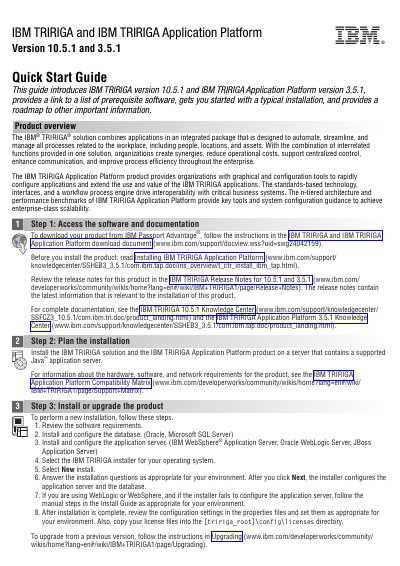
This two-page quick start guide introduces IBM TRIRIGA version 10.5.1 and IBM TRIRIGA Application Platform version 3.5.1. It links to the prerequisite software list, walks through a typical installation, and points to release notes, install documentation and the Knowledge Centers.
The guide describes IBM TRIRIGA as an integrated package of applications for managing workplace processes involving people, locations and assets, while the Application Platform supplies graphical and configuration tools to configure and extend those applications. Installation steps cover reviewing software requirements, configuring a database (Oracle or Microsoft SQL Server) and an application server (IBM WebSphere Application Server, Oracle WebLogic Server or JBoss Application Server), running the installer as a new install, and checking the properties files and license files afterward.
| IBM TRIRIGA version | 10.5.1 |
|---|---|
| IBM TRIRIGA Application Platform version | 3.5.1 |
| Supported databases | Oracle, Microsoft SQL Server |
| Supported application servers | IBM WebSphere Application Server, Oracle WebLogic Server, JBoss Application Server |
| Required server environment | A server that contains a supported Java application server |
It is an integrated package of applications intended to automate, streamline and manage all processes related to the workplace, including people, locations and assets.
Review the software requirements, install and configure the database and application server, select the installer for your operating system, choose New install and answer the installation questions.
After installation, copy your license files into the [tririga_root]\config\licenses directory and review the configuration settings in the properties files.
IBM points to the IBM TRIRIGA 10.5.1 Knowledge Center, the IBM TRIRIGA Application Platform 3.5.1 Knowledge Center, product support and the Real Estate and Facilities Management community.