
This document is about the IBM Storage Networking SAN24B-6 Access Gateway Quick Start Guide. It describes how to install and set up the SAN24B-6 switch, and how to enable Access Gateway mode.
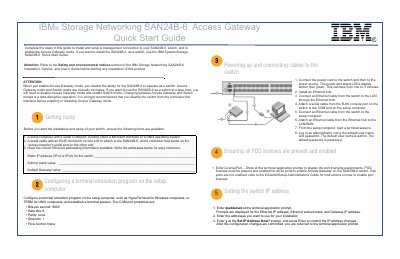
The IBM Storage Networking SAN24B-6 Access Gateway Quick Start Guide provides instructions for installing the switch, establishing a management connection, and enabling Access Gateway mode. It notes that Access Gateway mode and Switch mode are mutually exclusive and changing between them is a data disruptive operation.
The guide covers initial hardware setup, terminal emulation configuration, IP address assignment, password settings, and the physical connection of SFP transceivers and Fibre Channel cables.
| COM port bits per second | 9600 |
|---|---|
| COM port data bits | 8 |
| COM port parity | none |
| COM port stop bits | 1 |
| COM port flow control | None |
The default user name is admin and the default password is password.
No, Access Gateway mode and Switch mode are mutually exclusive.