
IBM® Branch Transformation Toolkit for WebSphere® Studio is a component-based toolkit for developing enterprise e-business applications.
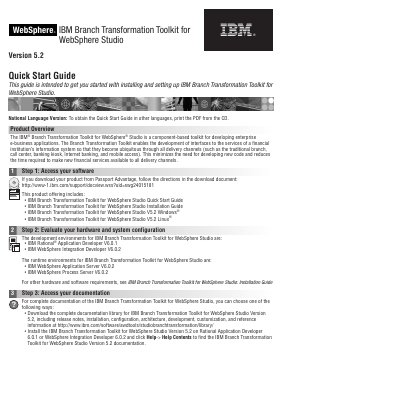
This Quick Start Guide gets the reader started with installing and setting up IBM Branch Transformation Toolkit for WebSphere Studio Version 5.2. The toolkit is a component-based toolkit for developing enterprise e-business applications, and it lets developers build interfaces to a financial institution's information system services so they are available through all delivery channels such as the traditional branch, call center, banking kiosk, Internet banking and mobile access.
The guide is organized into four steps: accessing your software, evaluating your hardware and system configuration, accessing your documentation, and installing the toolkit. It lists the development environments (IBM Rational Application Developer V6.0.1 and IBM WebSphere Integration Developer V6.0.2), the runtime environments (IBM WebSphere Application Server V6.0.2 and IBM WebSphere Process Server V6.0.2), and the Windows and Linux installers on the product CD, plus links to more information.
| Development environment | IBM Rational Application Developer V6.0.1 |
|---|---|
| Development environment | IBM WebSphere Integration Developer V6.0.2 |
| Runtime environment | IBM WebSphere Application Server V6.0.2 |
| Runtime environment | IBM WebSphere Process Server V6.0.2 |
| Windows installer | C993IML.exe |
| Linux installer | C993JML.bin |
The development environments are IBM Rational Application Developer V6.0.1 and IBM WebSphere Integration Developer V6.0.2.
Insert the Branch Transformation Toolkit CD and run C993IML.exe in the Windows platform.
You can download the documentation library for Version 5.2, or install the toolkit on Rational Application Developer 6.0.1 or WebSphere Integration Developer 6.0.2 and click Help-> Help Contents.
You need to copy the plug-ins to the $D(RAD)/eclipse/plugins or $D(WID)/wstools/eclipse/plugins directory manually after installing either one.