
The Dell Networking 310 Series Access Points Installation Guide provides an overview of the features and benefits of the Dell Networking 310 Series Access Points.
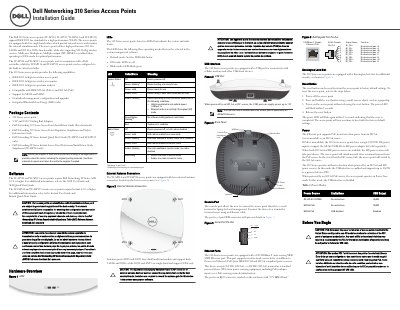
The Dell Networking 310 Series Access Points Installation Guide covers the Dell 310 Series access points, including models W-AP314, W-AP315, W-IAP314 and W-IAP315. The guide states that the access points support IEEE 802.11ac and include two single-band radios; W-AP314 and W-AP315 work with a Dell controller, while W-IAP314 and W-IAP315 can be configured via the built-in virtual controller.
The document lists package contents and software requirements, then describes hardware features such as LEDs, external antenna connectors, the USB interface, console port, Ethernet ports, Kensington lock slot, reset button and power options. Power can come from an 802.3at or 802.3af PoE source, or from a 12V/36W DC input using the AP-AC-V30B adapter kit.
| Wireless standards | IEEE 802.11a/b/g/n/ac |
|---|---|
| Radios | Two single-band radios |
| PoE support | IEEE 802.3at (PoE+) and 802.3af (PoE) |
| Ethernet port | 100/1000Base-T auto-sensing MDI/MDX |
| USB output power | Up to 5 W |
| DC input | 12V/36W |
| W-AP software | AOS 6.5.0 or higher |
| W-IAP software | Instant 4.3.0 or higher |
The Dell 310 Series includes the W-AP314, W-AP315, W-IAP314 and W-IAP315 access points.
Power off the access point, press and hold the reset button with a small object, power it on without releasing the button, then release it when the power LED flashes. The reset is completed when the power LED flashes again within 15 seconds.
The Ethernet port supports PoE-in from an 802.3at (recommended) or 802.3af source. If PoE is unavailable, a single 12V/36W DC power input supports the AP-AC-V30B adapter kit.
The W-AP314 and W-AP315 require Dell Networking W-Series AOS 6.5.0 or higher, while the W-IAP314 and W-IAP315 require Instant 4.3.0 or higher.