
This document describes the advantages of Dell's 2-2-1 solution and Microsoft System Center Essentials 2010 in managing server virtualization.
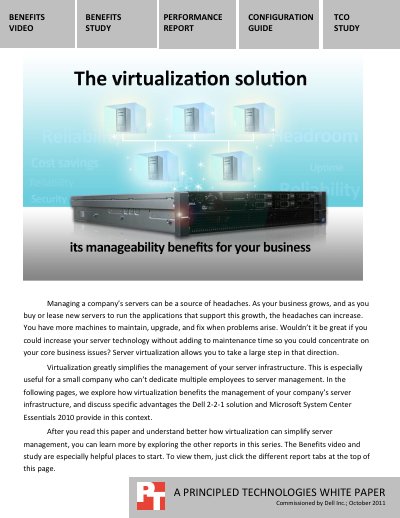
The Dell 2-2-1 solution, based on Microsoft Windows Server 2008 R2 with Hyper-V and System Center Essentials 2010, offers a high-availability setup with two Dell PowerEdge R410 servers, two Dell PowerConnect 5524 switches, and a Dell PowerVault MD3200i storage array. It centralizes server management, allowing IT staff to automate tasks like power management, workload balancing, and VM migration.
Virtualization reduces maintenance by minimizing physical hardware tasks and enabling flexible VM deployment without purchasing new physical servers. Testing applications in isolated VMs avoids impacting critical systems, and the HA configuration ensures continued operation even if a single component fails.
It reduces hardware maintenance tasks and allows centralized management of servers and VMs from a single location.
It includes two Dell PowerEdge R410 servers, two Dell PowerConnect 5524 network switches, and a Dell PowerVault MD3200i storage array.
Yes, you can test applications in isolated virtual machines without affecting other VMs or critical systems.