
Dell Display Manager is a Microsoft Windows application used to manage one or more monitors. It allows you to manually adjust the displayed image, assign automatic settings, manage power, organize windows, rotate the image, and perform other functions on certain Dell monitors.
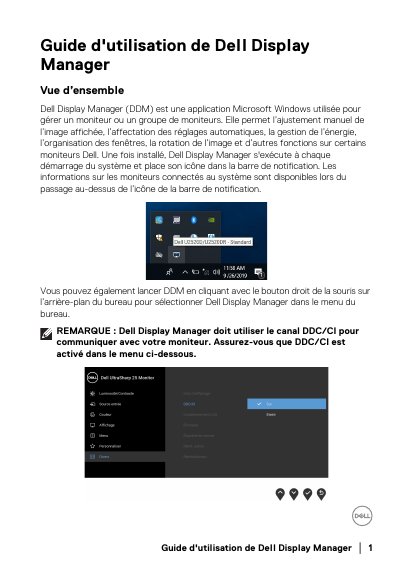
Dell Display Manager (DDM) is a Microsoft Windows application designed to manage one or more Dell monitors. It allows for manual image adjustment, automatic settings assignment, power management, window organization, and image rotation. Once installed, DDM runs at system startup and displays information about connected monitors in the notification area. This manual is written in French.
It is a Microsoft Windows application used to manage a monitor or group of monitors, with manual image adjustment, automatic settings, power management, window organization, image rotation, and other functions on some Dell monitors.
After installation, it runs at every system startup and places its icon in the notification bar.
DDM must use the DDC/CI channel to communicate with the monitor, so DDC/CI must be enabled.
It lets you easily adjust brightness, contrast, resolution, window layout, and similar settings, and enable automatic switching between preset modes or select a preset manually.