
The Dell DL1300 Getting Started With Your System introduces the features and characteristics of the system.
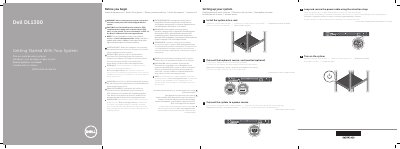
This Dell DL1300 getting started guide provides the initial setup steps for the system, including installing it in a rack, connecting the keyboard, mouse, and optional monitor, connecting the system to a power source, securing the power cable with the retention strap, and turning the system on.
The guide also lists the technical specifications required by law to ship with the system, including the power supply unit rating, system battery type, and maximum ambient temperature for continuous operation. It directs readers to Dell.com/support/home for the Owner's Manual, the full specification list, and documentation updates.
| Power rating per power supply unit (PSU) | 250 W (Bronze) AC (100–240 V, 50/60 Hz, 4.0 A–2.0 A) |
|---|---|
| Maximum phase-to-phase voltage for IT power systems | 230 V |
| System battery | 3 V CR2032 lithium coin cell |
| Maximum ambient temperature for continuous operation | 35 °C |
Use Extended Power Performance (EPP) compliant power supply units, indicated by the EPP label on the system.
Loop the power cable and secure it using the retention strap.
The complete and current specification listing is available at Dell.com/support/home.
Read the Dell Software License Agreement that shipped with the system before using it.