
Dell OptiPlex GX270 Computer Systems User's Guide

The Dell™ OptiPlex™ GX270 Systems User's Guide provides documentation for your computer.
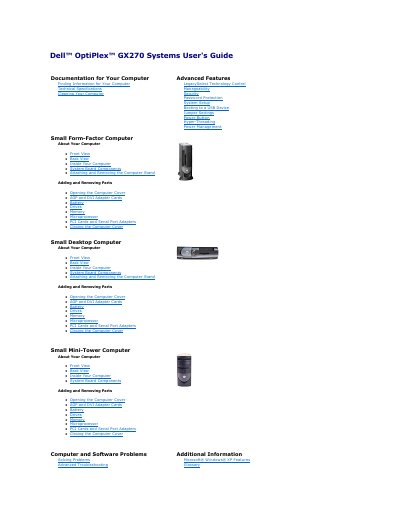

Dell OptiPlex GX270 Computer Systems User's Guide - cover page
Brand
DELL
Category
Desktops
Document type
User Manual
Language
English
Pages
178
File format
PDF
File size
4.8 MB
Published
25 November, 2023
Updated
25 November, 2023
MD5 checksum
B123C9F7C9554089F44E32DC5D43DF6A

About this manual

This user's guide covers Dell OptiPlex GX270 systems and is organized around finding information, technical specifications, cleaning the computer, advanced features, system setup, password protection, jumper settings, power management, and adding or removing parts. It includes separate sections for the small form-factor, small desktop, and small mini-tower computers, along with troubleshooting and Windows XP information.

The guide also describes the Dell Diagnostics, reinstalling drivers, Windows XP System Restore, reinstalling Windows XP and Windows 2000, and resolving software and hardware incompatibilities.

What's inside

  • Finding Information for Your Computer
  • Technical Specifications
  • Cleaning Your Computer
  • Advanced Features
  • System Setup
  • Password Protection
  • Jumper Settings
  • Power Management
  • Adding and Removing Parts
  • Solving Problems

Frequently asked questions

Which model numbers are covered by this guide?

The guide lists models DHP, DHS, and DHM.

How do I start the Dell Diagnostics from the hard drive?

Restart the computer and press immediately when the DELL logo appears, then select Boot to Utility Partition.

Does Dell recommend installing the original version of Windows XP on this platform?

No. Dell recommends that the original Gold version of Windows XP should not be installed on this platform.

How long does the Express Test take?

The Express Test typically takes 10 to 20 minutes and requires no interaction.

Download PDF (4.8 MB)

More DELL Manuals


View all DELL manuals →