
The document describes how to set up and operate a Dell computer.
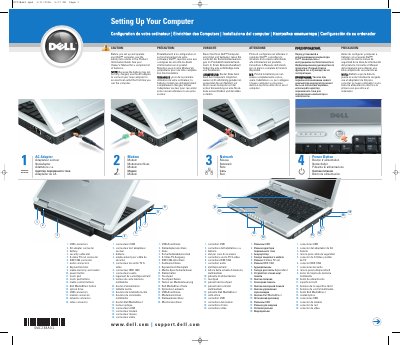
This multilingual guide helps users set up and operate a Dell computer. It includes safety cautions, a note about using the AC adapter with a new battery, and references to the Product Information Guide and Owner's Manual.
The document shows a numbered diagram of computer connectors and parts such as USB ports, the AC adapter connector, battery, and media controls. It also provides optional steps for connecting to a wireless network using a wireless router and network card.
Use the AC adapter to connect the new computer to an electrical outlet the first time it is used.
The safety instructions are in the Product Information Guide.
You need high-speed Internet access, a wireless router, and a wireless network card.
Click Start, point to Connect To, click Show all connections, and verify that Wireless Network Connection appears under LAN or High-Speed Internet.