
The Dell Latitude 12 5000 Series E5270 notebook quick start guide.
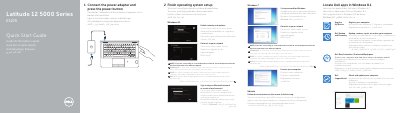
This guide helps you set up your Dell Latitude 12 5000 Series E5270 notebook. Connect the power adapter and press the power button to begin. Follow on-screen instructions to configure the operating system, connect to your network, and sign in to your Microsoft account or create a local account. The device includes features like USB 3.0 ports, HDMI, VGA, touchpad, and optional camera and fingerprint reader.
| Computer Model | Latitude 12-E5270 |
|---|---|
| Regulatory Model | P23T |
| Regulatory Type | P23T001 |
Connect the power adapter and press the power button.
It includes USB 3.0, HDMI, VGA, touchpad, optional camera, fingerprint reader, and SIM connector.