
The Dell 7330 Mono Laser Printer Quick Use Guide provides basic instructions on how to use the printer.
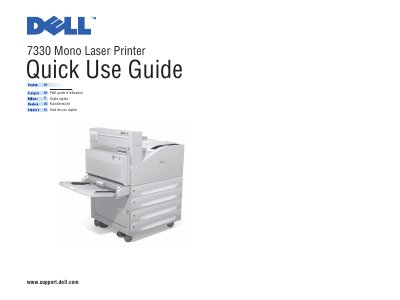
This is the Dell 7330 Mono Laser Printer Quick Use Guide, a short multilingual reference booklet (English, French, Italian, German and Spanish) for the printer. It walks through basic printing from a PC or Mac, confirming or changing settings in the Dell printer driver, and the paper sizes and weights supported by each tray.
The guide also shows the printer tour with the fuser, transfer roller, toner cartridge, drum cartridge and staple cartridge, explains the control panel buttons such as Help, Up/Down Arrow, OK, Cancel and Back, and gives pointers for clearing paper jams, checking the Status Monitor, viewing supplies information and finding drivers, documentation and recycling resources on Dell's websites.
| Supported paper weight, Tray 2 | 60 – 105 g/m2 (16 lb. Bond – 28 lb. Bond) |
|---|---|
| Custom size range, Tray 1 (MPT) | Width 89–297 mm (3.5–11.7 in.), length 98–432 mm (3.87–17.0 in.) |
| Custom size range, Tray 2, 3, 4, 5 | Width 140–297 mm (5.5–11.7 in.), length 182–432 mm (7.16–17.0 in.) |
| Largest listed paper size | Tabloid 11.0 x 17.0 in. (A3 297 x 420 mm) |
| Tray 2 example setup | Letter LEF (8.5 x 11.0 in.) plain paper |
Press the Help button on the control panel to see the jam clearing procedure, and check the Status Monitor message or the Troubleshooting chapter in the User Guide.
Pressing it at any time displays additional information about the message or menu shown on the control panel.
Order supplies from Dell's supplies website at www.dell.com/supplies, or print the Supplies Usage page from the Supplies Info menu.
They are on the Software and Documentation CD, or available at www.support.dell.com.