
The Dell™ Studio™ 1569 Service Manual provides information on how to use and maintain your Dell™ Studio™ 1569 laptop.
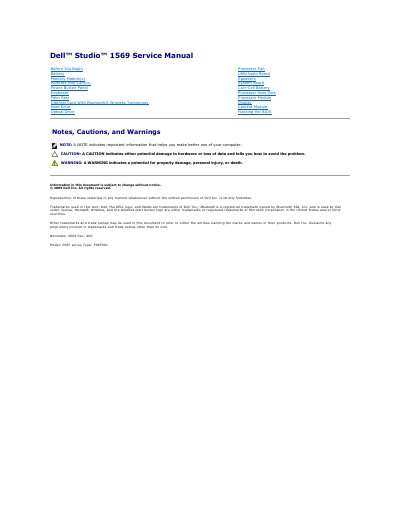
Service manual for the Dell Studio 1569 computer, dated November 2009 (Rev. A00). The document lists the computer as model P06F series, type P06F001, and provides removal and replacement procedures for internal components.
It covers the battery, memory modules, wireless mini-cards, power button panel, keyboard, palm rest, Bluetooth card, hard drive, optical drive, processor fan, USB/audio board, speakers, system board, coin-cell battery, heat sink, processor module, display, and camera module. It also includes before-you-begin safety guidelines, recommended tools, and instructions for flashing the BIOS.
| Product name | Studio 1569 |
|---|---|
| Regulatory model | P06F series |
| Regulatory type | P06F001 |
Slide the battery release latch and lift the battery up at an angle to remove it from the battery bay.
The Service Tag is located at the bottom of the computer.
Go to support.dell.com, open Drivers & Downloads, and click Download Now to download the latest BIOS file.