
Dell Display Manager is an application for Windows used to manage a monitor or group of monitors.
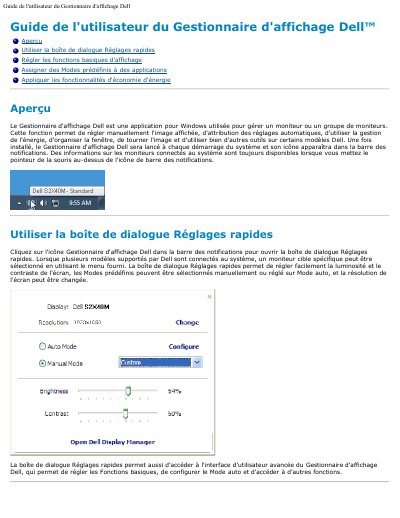
Dell Display Manager is a Windows application used to manage a monitor or group of monitors. After installation, it starts at every system startup and its icon appears in the notification bar; hovering over that icon shows information about connected monitors.
The Quick Settings dialog adjusts brightness, contrast, preset modes, and screen resolution. The Basic tab applies a preset mode manually or enables Auto Mode, the Auto Mode tab assigns preset modes to applications, and the Options tab provides PowerNap power-saving features on supported Dell models. This manual is written in French.
| Operating system | Windows |
|---|---|
| Startup behavior | Launches at every system startup |
| Power-saving feature | PowerNap on supported Dell models |
Click the Dell Display Manager icon in the notification bar.
Yes, the Auto Mode tab lets you associate a preset mode with an application and apply it automatically.
No, it is available on Dell models that support it.
No, assignments targeting non-executable files are not supported.