
Dell PowerEdge R730 and R730xd Getting Started With Your System
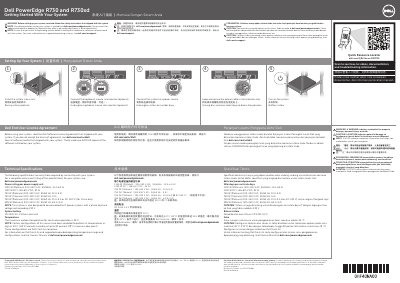
This guide covers initial setup of the Dell PowerEdge R730 and R730xd, including rack installation, connecting peripherals and power, securing the power cable, and turning on the system.
It also lists required safety notes, license information, and basic technical specifications such as power supply ratings, system battery, and operating temperature limits.
| Power rating per power supply unit | 1100 W (Platinum), 1100 W DC, 750 W (Platinum), 750 W (Titanium), 750 W (Platinum, China only), or 495 W (Platinum) |
|---|---|
| System battery | CR 2032 3.0-V lithium coin cell |
| Maximum ambient temperature for continuous operation | 35°C |
| Validated operating conditions for certain configurations | Up to 45°C and up to 90% humidity (29°C maximum dew point) |
| Regulatory model/type | E31S Series/E31S001 |
Read and follow the safety instructions that shipped with the system before setting it up.
The documentation set is available at dell.com/poweredgemanuals.
The maximum ambient temperature for continuous operation is 35°C.
The system uses a CR 2032 3.0-V lithium coin cell battery.