
Dell Premier Reporting Guide
This guide describes the reporting capabilities of Dell Premier, described in the document as a secure, personalised purchasing and support website for Premier customers. It explains how to log in to your Premier page, manage your personal password and profile, and reach the list of available reports set up by your Dell Account Team.
The guide then covers the most frequently used reports, including the System Order Status Report and the Build Your Own Purchase History Report. It explains how to filter and search orders, customise columns, export records to Excel, and use the links on the Order Details page. It closes with the Premier Helpdesk and Premier Account Managers who support Premier pages.
| Orders shown in Order Status | Orders from the past 2 years with status Received, Confirmed, In Production, Build complete, Shipped, Delivered or Cancelled |
|---|---|
| Predefined timeframe filters | Last 7, 14, 45, 90 days, last 6 months, past 1 year, past 2 years |
| Customizable columns | 7 fields chosen and reordered from 30+ options |
| Instant export limit | First 2,000 records downloaded immediately; larger reports appear under View Downloads |
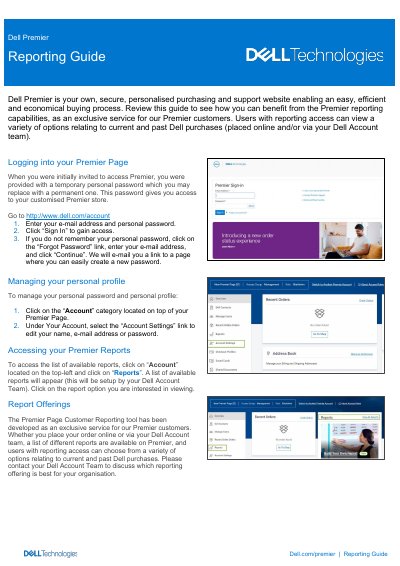
Go to http://www.dell.com/account, enter your e-mail address and personal password, and click Sign In.
Click the Forgot Password link, enter your e-mail address and click Continue; Dell e-mails you a link to create a new password.
Click Account at the top-left of your Premier page and then click Reports; the list is set up by your Dell Account Team.
Yes, but cancellation is only possible before the order reaches the In Production status and is not available in all countries.