
Dell™ Laser Multi-Function Printer 1125 User's Guide
This guide provides step-by-step instructions for setting up, operating, and maintaining the Dell 1125 laser multifunction printer. It covers printing, copying, and scanning functions, as well as paper handling, maintenance, and troubleshooting common issues like paper jams and toner errors. The guide also includes information on ordering genuine Dell toner cartridges and understanding error messages displayed on the LCD.
The document is structured to help users resolve issues quickly, with sections on clearing jams in the ADF, paper paths, and fuser area, as well as interpreting LCD error messages. It includes safety cautions and tips for avoiding paper jams by using correct paper types and proper loading techniques.
Remove remaining documents, open the ADF cover, remove the roller, gently pull out the jammed document, replace the roller, and reload the document.
Prepare to replace the toner cartridge, as it is 75% depleted.
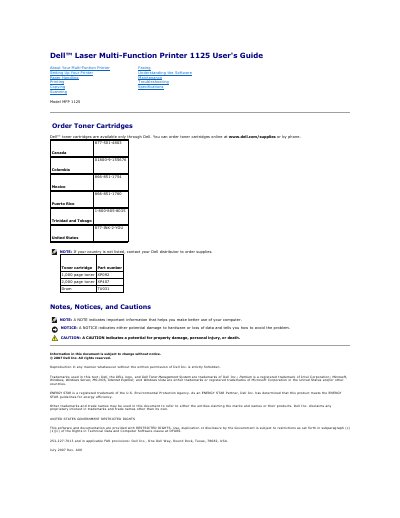
Order online at www.dell.com/supplies or by phone. Dell toner cartridges are available only through Dell.