
The Dell™ 968 All-in-One Printer User's Guide introduces the features and使用方法 of the printer.
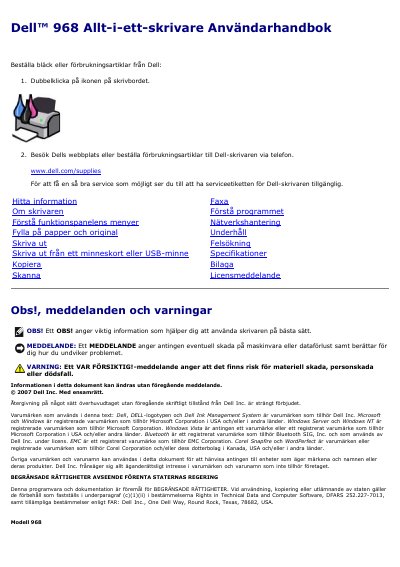
This is the Swedish-language user's guide for the Dell 968 All-in-One Printer (model 968). It explains how to set up the printer, load paper and originals, use the control panel menus, send and receive faxes, and manage the printer over a network.
The guide also covers printing from a memory card or USB flash drive, copying, scanning, ordering ink and supplies, maintenance, troubleshooting, and specifications. It includes an appendix and license notices, and points to Dell support resources and driver downloads. This manual is written in Swedish.
| Model | 968 |
|---|---|
| Maximum fax number length | 64 digits |
| Document revision | SRV FY276 Rev. A00 |
Yes. The printer can send and receive faxes without being connected to a computer, using the control panel or the Dell fax solutions software.
Up to 64 digits can be entered in a fax number using the keypad.
Install a DSL filter between the active phone line and the printer to avoid interference with the analog fax modem signal.
No. ISDN and cable modems are not fax modems and do not support faxing.