
The Dell™ Photo All-in-One Printer 962 is a multifunctional printer that can print, scan, copy, and fax. It features the following:
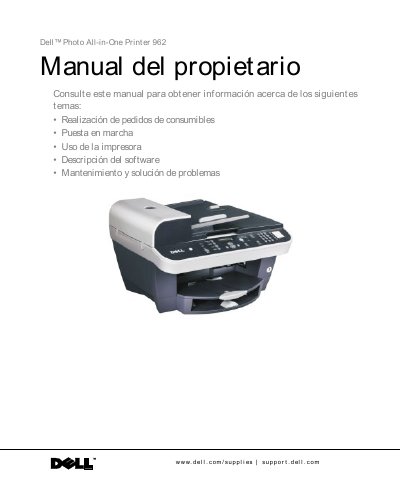
This Spanish-language owner's manual covers the Dell Photo All-in-One Printer 962. It explains how to set up the printer, load paper and documents, and use the operator panel, and describes ordering ink cartridges and consumables through Dell.
Later sections cover printing, copying, scanning, and sending and receiving faxes, followed by descriptions of the Dell software (Solution Center, All-in-One Center, Print Preferences, Dell Picture Studio v2.0). The manual also explains ink cartridge maintenance, troubleshooting for installation, computer, printer, fax, and paper problems, contact information for Dell support, warranty terms, safety instructions, and an index. This manual is written in Spanish.
| Black ink cartridge (high yield) | M4640 |
|---|---|
| Black ink cartridge (standard) | J5566 |
| Color ink cartridge (high yield) | M4646 |
| Color ink cartridge (standard) | J5567 |
| Photo cartridge | J4844 |
Ink cartridges can be ordered over the Internet at www.dell.com/supplies or by phone; the manual lists regional ordering numbers.
The printer prints with black and color cartridges in both standard and high-yield versions, plus a photo cartridge.
Yes. Installed software detects ink levels and a screen appears during a print job to warn you when ink is low.