
The Dell OptiPlex™ 320 Systems User's Guide provides information on how to use and manage your Dell OptiPlex™ 320 system.
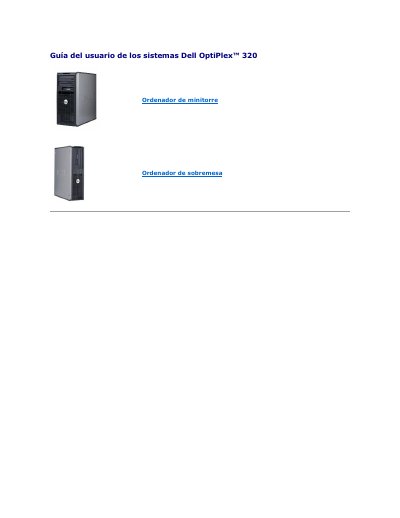
This Spanish-language user's guide covers the Dell OptiPlex 320 mini tower and desktop computer systems. It documents advanced features such as LegacySelect technology control, Dell OpenManage IT Assistant and Dell OpenManage Client Instrumentation, physical security, password protection, system setup, USB booting, CMOS clearing, Hyper-Threading, and power management.
LegacySelect lets administrators electronically enable or disable legacy connectors and devices, including USB, serial, parallel, floppy drive, PCI slots, and PS/2 devices, through the system setup program, IT Assistant, or factory integration; a restart is required for changes to take effect. The guide also explains the lock ring and security cable slot, how to assign or remove system and administrator passwords (up to 32 characters), and what happens after repeated incorrect password attempts. This manual is written in Spanish.
| System password maximum length | 32 characters |
|---|
It lets administrators electronically activate or deactivate legacy connectors and devices, such as USB, serial, parallel, floppy drive, PCI slots, and PS/2 devices. Changes take effect after restarting the computer.
It lets remote management programs such as IT Assistant access computer information, monitor status through alerts, and change the computer's state, for example by updating the BIOS or shutting it down remotely.
The system password can use up to 32 characters and is not case-sensitive; some key combinations are not valid and produce a speaker beep.