
Dell PowerConnect W-IAP108/109 Instant Access Point Installation Guide
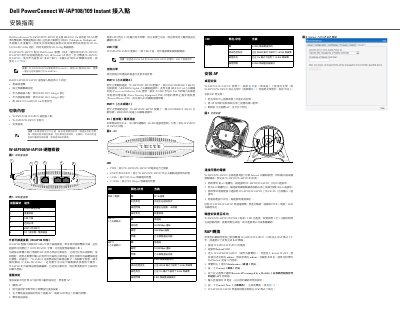
This guide provides step-by-step instructions for installing and configuring Dell W-IAP108 and W-IAP109 wireless access points. It covers hardware components, power options, network connections, and how to convert the device to Remote AP (RAP) mode using Instant software. The guide also includes LED indicators for status monitoring and physical mounting instructions. This manual is written in Chinese.
| Wireless Standard | IEEE 802.11n |
|---|---|
| Frequency Bands | 2.4GHz and 5GHz |
| PoE Compatibility | IEEE 802.3af and 802.3at |
| Ethernet Ports | ENET0 (10/100/1000BASE-T) and ENET1 (10/100BASE-T) |
Connect to the Instant SSID, log in to the device’s web UI, go to Maintenance > Convert, select 'Remote APs managed by a Mobility Controller', enter the controller’s IP address, and click 'Convert Now'.
The USB interface is used to connect a cellular modem.
An optional AC-DC connector can be used to provide power.
The default username is admin and the default password is admin.