
Dell Vostro 5370 Quick Start Guide, including product support and manuals, regulatory and safety, computer model, new features, etc.
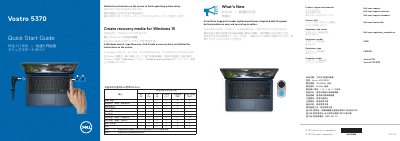
This document serves as a quick start guide for the Dell Vostro 5370 computer. It provides instructions for completing the operating system setup and lists the product's key features, including an optional integrated fingerprint reader and various connectivity ports like USB 3.1 Gen 1 and HDMI.
The guide also includes information on regulatory compliance, specifically noting adherence to the Taiwan RoHS standard CNS15663, and provides steps for creating recovery media for Windows 10.
| Rated voltage | 100-240Vac Volts |
|---|---|
| Rated frequency | 50/60Hz Hertz |
Yes, an intuitive fingerprint reader is integrated with the power button, though it is an optional purchase.
The rated voltage is 100-240Vac volts.
The rated frequency is 50/60Hz hertz.