
The Dell Vostro 3905 Quick Start Guide provides instructions on how to use the Dell Vostro 3905 laptop.
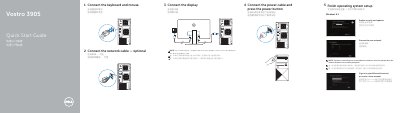
This guide helps you set up your Dell Vostro 3905 laptop by connecting peripherals, configuring the operating system, and connecting to a network. It includes instructions for enabling security updates, signing in to Microsoft or local accounts, and connecting displays. The guide also lists hardware components like ports, connectors, and diagnostic lights for reference.
The guide covers Windows 8.1 and Ubuntu setup, with notes for secure wireless networks and discrete graphics card connections. It also provides links to Dell support, backup tools, and regulatory information for the model Vostro -3905. This manual is written in Chinese.
If the computer was ordered with a discrete graphics card, connect the display to that card.
Enter the password for the wireless network access when prompted.