
Dell OptiPlex USFF 780/OptiPlex SFF 980 AIO Stand Installation Guide

OptiPlex USFF 780/OptiPlex SFF 980 AIO Stand User Guide.
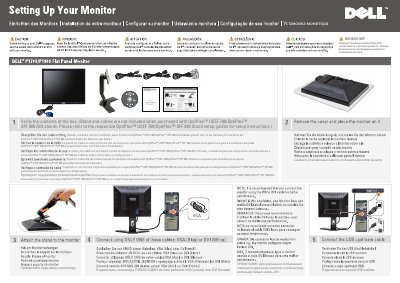

Dell OptiPlex USFF 780/OptiPlex SFF 980 AIO Stand Installation Guide - cover page
Brand
DELL
Category
Desktops
Document type
Installation Guide
Language
English
Pages
2
File format
PDF
File size
2.6 MB
Published
25 November, 2023
Updated
25 November, 2023
MD5 checksum
CACDD052D387ED328B110DAB98608731

About this manual

This document provides instructions for verifying the contents of the OptiPlex USFF 780/OptiPlex SFF 980 AIO stand package. It notes that the stand and cables are not included when purchased separately and directs users to specific setup guides for those components. The guide also includes safety warnings to review the monitor's safety instructions before installation.

What's inside

  • Verify the contents of the box
  • Attach the stand to the monitor
  • Connect the input USB cable
  • Connect power and turn on
  • Adjust the monitor
  • Dell Soundbar mounting brackets
  • Cable storage slot

Frequently asked questions

Which video cables can be used to connect the monitor to the computer?

You should connect the monitor using only one of these cables: VGA (blue) or DVI (white).

Is the rotation feature applicable to the AIO stand?

No, the rotation is not applicable for the AIO stand.

Download PDF (2.6 MB)

More DELL Manuals


View all DELL manuals →