
This document describes how to install the rails.
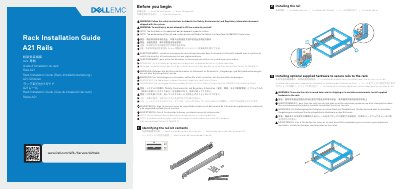
This guide explains how to install the Dell A21 rails in a rack and mount a system on them. It covers identifying the rail kit contents, installing the optional supplied hardware to secure the rails to the rack, installing the system into the rails, securing or releasing the system, and securing cables.
The document notes that rail and system performance is certified only in the Pelican Custom Rack 25-036329-01 transit case, and that the illustrations do not represent a specific system.
| Certified transit case | Pelican Custom Rack 25-036329-01 |
|---|---|
| Document part number | TFTTH |
| Document revision | Rev. A01 |
Perform the installation procedure in reverse order to remove the system from the rails.
Install the supplied hardware to secure the rails to a round hole rack for shipping or in unstable environments.
Performance is certified only in the Pelican Custom Rack 25-036329-01 transit case.