
Dell Update Packages offer ease and flexibility for updating the system software on Dell PowerEdge servers.
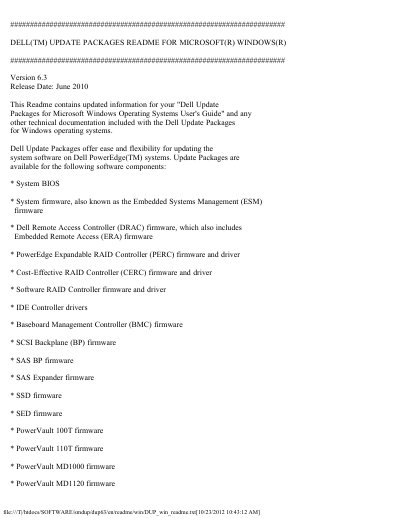
This README accompanies the Dell Update Packages for Microsoft Windows Operating Systems User's Guide and covers version 6.3, released in June 2010. It explains how Dell Update Packages simplify updating system software on Dell PowerEdge systems.
Supported components include system BIOS, ESM and DRAC firmware, RAID controllers, network adapters, and PowerVault storage. The document also lists minimum Windows operating system requirements and known issues for applying updates.
| Version | 6.3 |
|---|
Dell Update Packages support Dell systems running various Windows Server and Small Business Server editions.
No, systems with a FAT32 partition as the boot drive cannot execute DUPs.
Wait for BitLocker to finish encrypting the drive before running Dell Update Packages.
They can update system BIOS, ESM firmware, DRAC firmware, RAID firmware and drivers, and other listed devices.