
Dell Update Packages offer ease and flexibility for updating the system software on Dell PowerEdge servers.
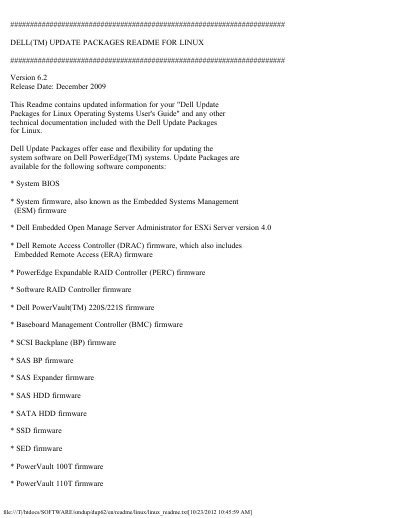
This readme provides updated information for the Dell Update Packages for Linux Operating Systems User's Guide and other technical documentation included with the packages. Version 6.2 was released in December 2009 and the packages offer ease and flexibility for updating system software on Dell PowerEdge systems.
It lists the supported Linux operating systems and supported system components, states that the update criticality is 2 - Recommended, and documents known issues for all Dell Update Packages and specific firmware or controller updates.
| Version | 6.2 |
|---|---|
| Release date | December 2009 |
| Criticality | 2 - Recommended |
| Supported Linux operating systems | Red Hat Enterprise Linux (RHEL) WS, ES, and AS (version 4.8); Red Hat Enterprise Linux 5 server Update 3; SUSE Linux Enterprise Server 10 SP2; SUSE Linux Enterprise Server 11; VMware ESX/ESXi Server versions |
The update has criticality 2 - Recommended and should be applied during the next scheduled update cycle.
Supported systems include Red Hat Enterprise Linux 4.8 and 5 Update 3, SUSE Linux Enterprise Server 10 SP2 and 11, and VMware ESX/ESXi Server 3.5 Update 5 or 4.0 Update 1.
Remove the lock file, then run the Update Package again.
Install the compatibility libraries from the Linux distribution, such as compat-libstdc++-33-3.2.3-47.3.i386.rpm.