
User's Guide for Dell PowerVault ML6000 Tape Library.
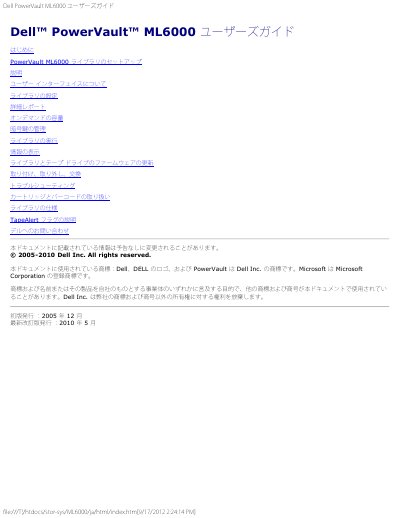
This guide provides information and procedures for the correct operation and management of the Dell PowerVault ML6000 tape library. It is intended for users who need to install, configure, and operate the library, and some functions may require administrator-level privileges.
Supported configurations include the ML6010 (5U control module), ML6020 (14U with one expansion module), and ML6030 (23U with two expansion modules, expandable to 32U or 41U). The document also covers cartridge and barcode handling, firmware updates, and TapeAlert flags. This manual is written in Japanese.
| 5U control module weight | Approx. 27.2 kg (60 lbs) |
|---|---|
| 9U expansion module weight | Over 29.5 kg (65 lbs) |
| ML6010 configuration | 5U library control module |
It weighs approximately 27.2 kg (60 lbs) without tape drives, cartridges, or power supplies.
It supports ML6010, ML6020, and ML6030 configurations using 5U control modules and 9U expansion modules.
It is for users interested in the PowerVault ML6000 library who need knowledge of installation, configuration, and operation methods.