
Dell D2421H 24" LCD Monitor Service Manual

The Dell D2421H monitor is a 24-inch LCD monitor with a resolution of 1920 x 1080 and a refresh rate of 60 Hz. It has a narrow bezel design and supports multiple inputs, including HDMI, DisplayPort, and VGA.
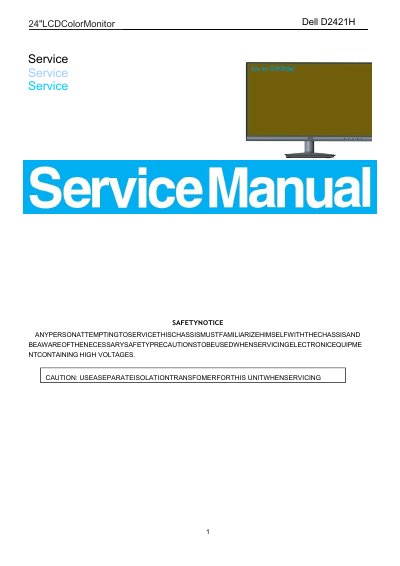

Dell D2421H 24" LCD Monitor Service Manual - cover page
Brand
DELL
Category
Monitor
Document type
Service Manual
Language
English
Pages
10
File format
PDF
File size
707 KB
Published
24 November, 2023
Updated
24 November, 2023
Model
D2421H
MD5 checksum
475C324A35FEAAD1C21F64194BD64BF4

About this manual

This service manual provides essential safety precautions and warnings for servicing the Dell D2421H LCD Color Monitor. It emphasizes the use of original replacement parts and proper ESD protection to prevent damage to the chassis and electronic components. The document includes specific warnings regarding high voltage and laser radiation hazards.

What's inside

  • Important Safety Notice
  • Exploded 2D Drawing
  • Wiring connectivity diagram
  • Mechanical Instruction
  • Disassembly Procedures
  • Component Removal
  • Screw Specifications

Frequently asked questions

How is the stand removed from the monitor?

Press the release button, then pull out the stand.

What should be used to clean the panel surface if it becomes dirty?

Wipe it off with a soft material.

How should the LCD module be mounted?

Mount the module using mounting holes arranged in four corners.

What are the screw size and torque for screws No. 1 through 4 during disassembly?

The screw size is M4x10 and the torque is 7.5~8.5kgfxcm.

Download PDF (707 KB)

More DELL Manuals


View all DELL manuals →