
The document provides user guide of PDU rack-mount power distribution unit.
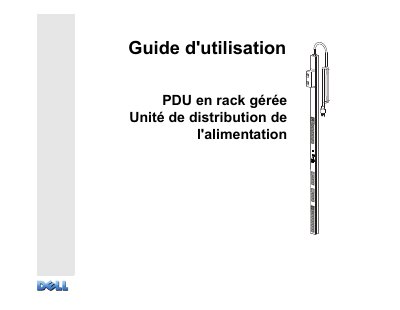
This user guide describes the Dell managed rack power distribution unit (PDU), a network-manageable rack PDU for remote monitoring and control of connected loads. It explains product features, user access levels, getting started, and the available management interfaces.
The guide also covers front-panel use, command-line and web interfaces, device and outlet management, environment monitoring, event and data logs, security, network settings, file transfers, troubleshooting, and appendices. This manual is written in French.
| Management interfaces | Web interface, command-line interface, and SNMP |
|---|---|
| User access levels | 4: Administrator, Device User, Read-Only User, Outlet User |
| Independent outlet user accounts | Up to 24 |
| Surge protection | None |
The default administrator username and password are both admin.
No, the rack PDU does not provide surge protection.
It has four access levels: Administrator, Device User, Read-Only User, and Outlet User.
It can be managed through its Web interface, command-line interface, or SNMP.