
Dell Latitude 12 5000 Series Quick Start Guide
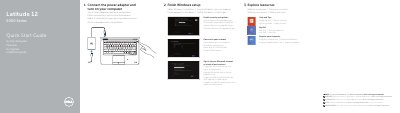
This Quick Start Guide for the Dell Latitude 12-E5250/5250 explains how to connect the power adapter, turn on the computer, finish Windows setup, enable security and updates, connect to a network, and sign in to a Microsoft account or create a local account.
It also lists features such as network, USB, HDMI, and audio connectors, cameras, card readers, fingerprint and smart-card readers, status lights, and a dock connector, and provides links to Dell product support, manuals, and regulatory information.
| Computer model | Latitude 12-E5250/5250 |
|---|---|
| Regulatory model | P25S |
Connect the power adapter and turn on your computer, then finish Windows setup.
The Owner's Manual is available at dell.com/support/manuals.
The computer model is Latitude 12-E5250/5250.