
Turbo Air Open Display Merchandisers Installation and Operation Manual

Turbo Air Speeds up the Pace of Innovation Open Display Merchandisers Installation and Operation Manual
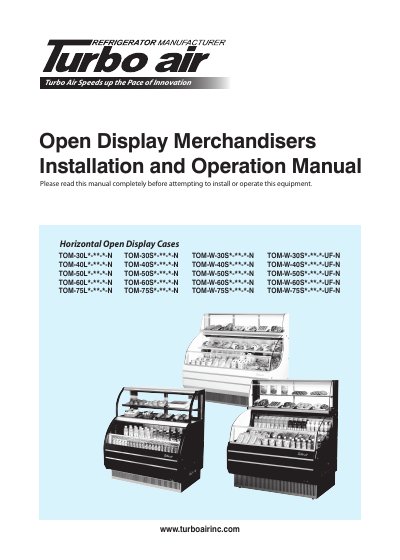

Turbo Air Open Display Merchandisers Installation and Operation Manual - cover page
Brand
Turbo Air
Category
Refrigerators
Document type
User Manual
Language
English
Pages
24
File format
PDF
File size
12.3 MB
Published
24 November, 2023
Updated
24 November, 2023
MD5 checksum
BA6E3196903C9F583EC3C3FDDCC13549

About this manual

This document serves as the Installation and Operation Manual for Turbo Air horizontal open display merchandisers. It covers a wide range of models, including the TOM series (L and S variants) and the TOM-W series. The guide is essential for proper setup and safe usage of these refrigeration units.

What's inside

  • Introduction
  • Specifications
  • Installation
  • Operating Instructions
  • Maintenance & Cleaning
  • Warranty
  • Troubleshooting

Frequently asked questions

What refrigerant does this unit use?

This unit uses R-290 (propane), or R-600a (isobutane) as a refrigerant.

How long should you wait before plugging the unit back in after unplugging it?

Wait at least five minutes before plugging it back in.

What must be removed before disposing of the refrigerator?

Remove the doors and seals from the refrigerator before disposing of it or discontinuing its use.

What room size is required for each amount of R-290 refrigerant?

The room must be 35.31 ft3 (1 m3) in size for every 0.28 oz (8 g) of R-290 refrigerant inside the appliance.

Download PDF (12.3 MB)

More Turbo Air Manuals


View all Turbo Air manuals →