
Dell V505 Printer User Guide

The Dell V505 printer user guide describes how to use the Dell V505 printer.
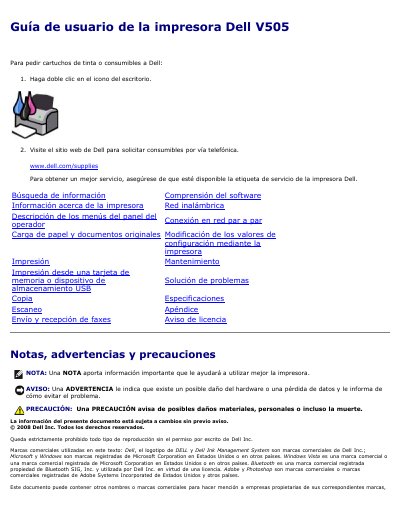

Dell V505 Printer User Guide - cover page
Brand
DELL
Category
Printer
Document type
User Manual
Language
Spanish
Pages
180
File format
PDF
File size
2.1 MB
Published
24 November, 2023
Updated
24 November, 2023
Model
V505
MD5 checksum
C5208871A6942E583E0B71DC55A5B102

About this manual

The Dell V505 is a multi-function printer capable of printing, copying, scanning, and sending and receiving faxes. It supports wireless connectivity and printing from memory cards or USB storage devices.

The device is supported by the Dell Imaging Toolbox and Dell Ink Management System, which allow users to manage scan quality, monitor ink levels, and perform maintenance tasks. This manual is written in Spanish.

What's inside

  • Comprensión del software
  • Información acerca de la impresora
  • Red inalámbrica
  • Carga de papel y documentos originales
  • Impresión
  • Mantenimiento
  • Solución de problemas
  • Copia
  • Especificaciones
  • Escaneo

Frequently asked questions

How can I order ink cartridges for the Dell V505?

You can order consumables by double-clicking the desktop icon or visiting www.dell.com/supplies.

What is the purpose of the Dell Ink Management System?

It notifies the user when the printer's ink levels begin to run low.

Download PDF (2.1 MB)

More DELL Manuals


View all DELL manuals →